Jul 25, 2026
Creating a Practical Skill with GPT-5.5
A complete walkthrough of using GPT-5.5 to analyze requirements, choose an approach, implement, and validate the project-level VIBE-TODOLOG Skill.
Hello, everyone. I have recently been working on several Vibe Coding projects. I had already written a few Skill files, but they were fairly simple, so I wanted to improve them around a real use case and bring them closer to the Skills standard.
One recurring problem was keeping track of unfinished requirements and TODOs across multiple projects and releases. I still had to remember which features were missing from each project and what remained incomplete in each version.
That gave me the idea of creating a Skill to manage project-level TODOs. I often use both the free and paid DeepSeek models during development, but this time I decided to build the Skill with GPT-5.5. I had already been using OpenCode for several months, so switching models was straightforward. This post documents the process.
- Instead of immediately asking GPT to create the Skill, I first described my needs and concerns and asked whether an existing product could solve the problem.
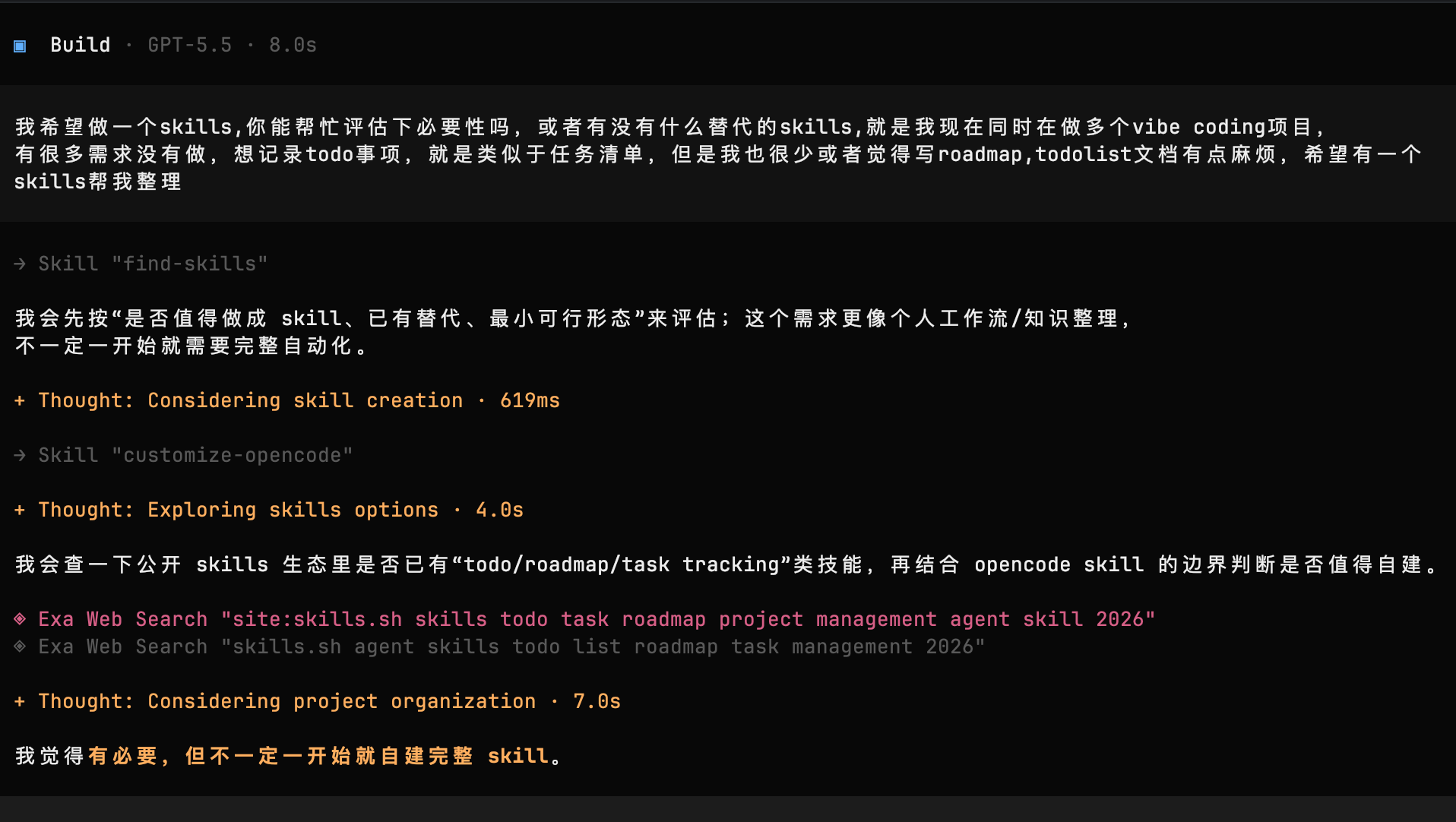
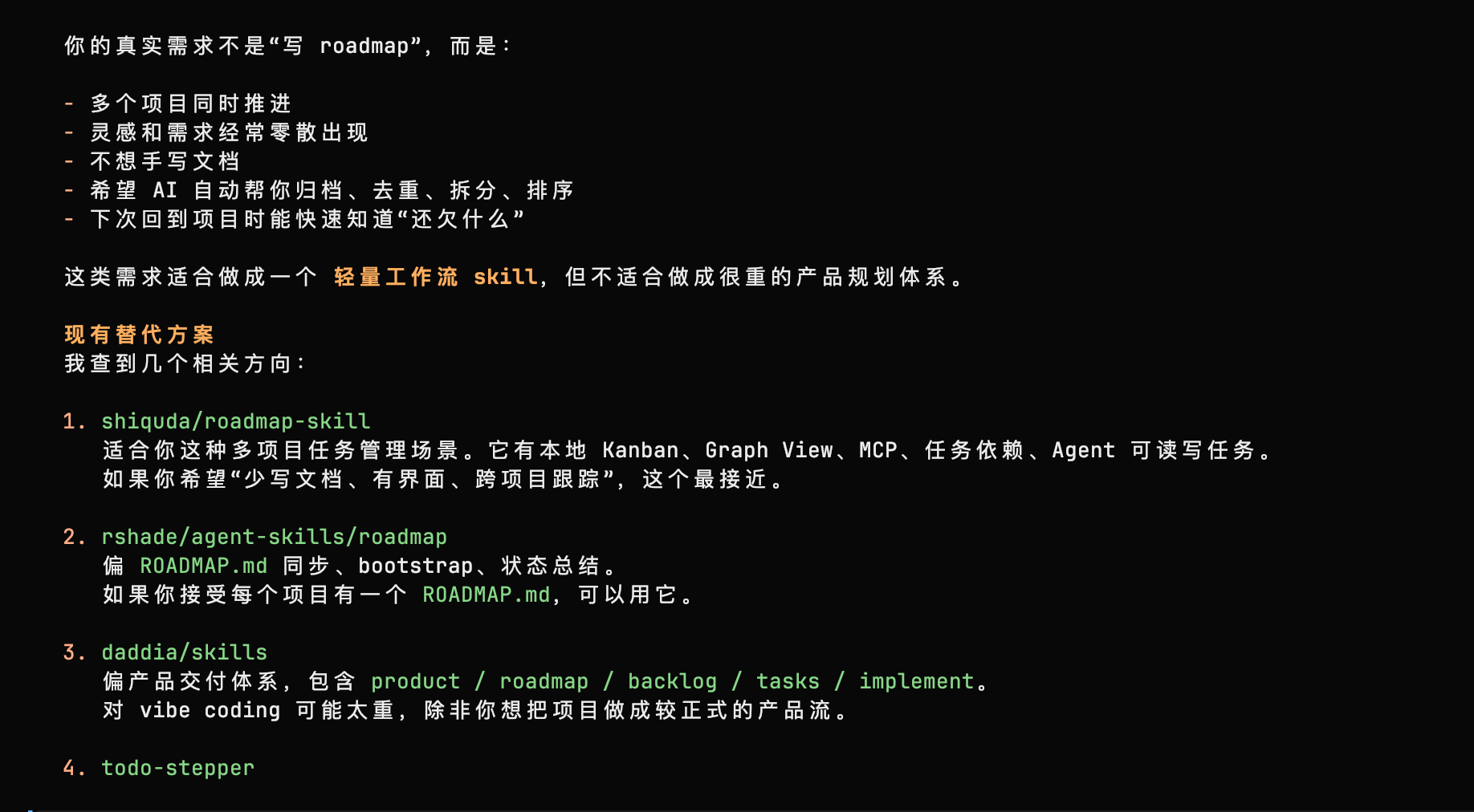
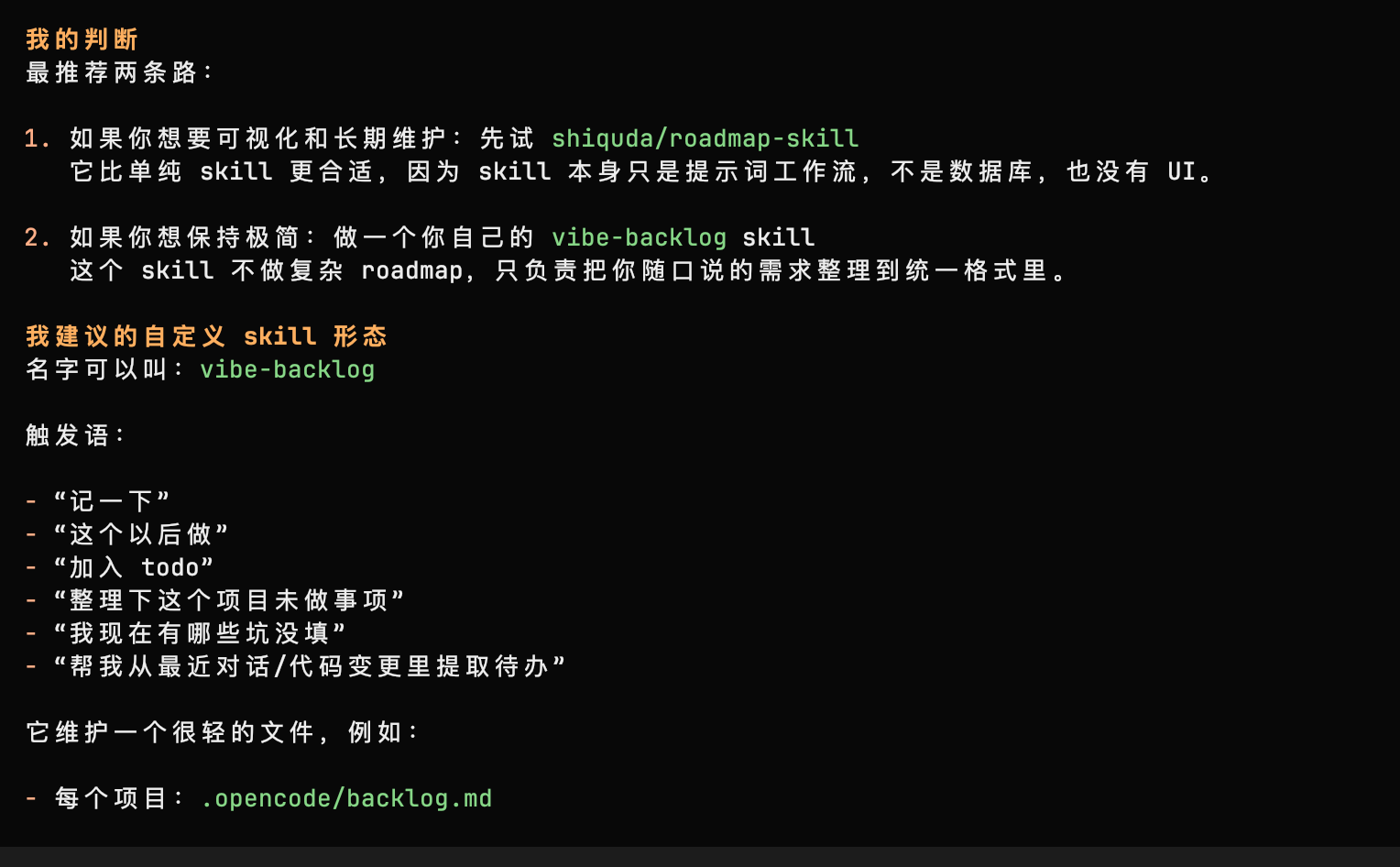
- Once I had decided to build it, I moved on to defining the implementation.
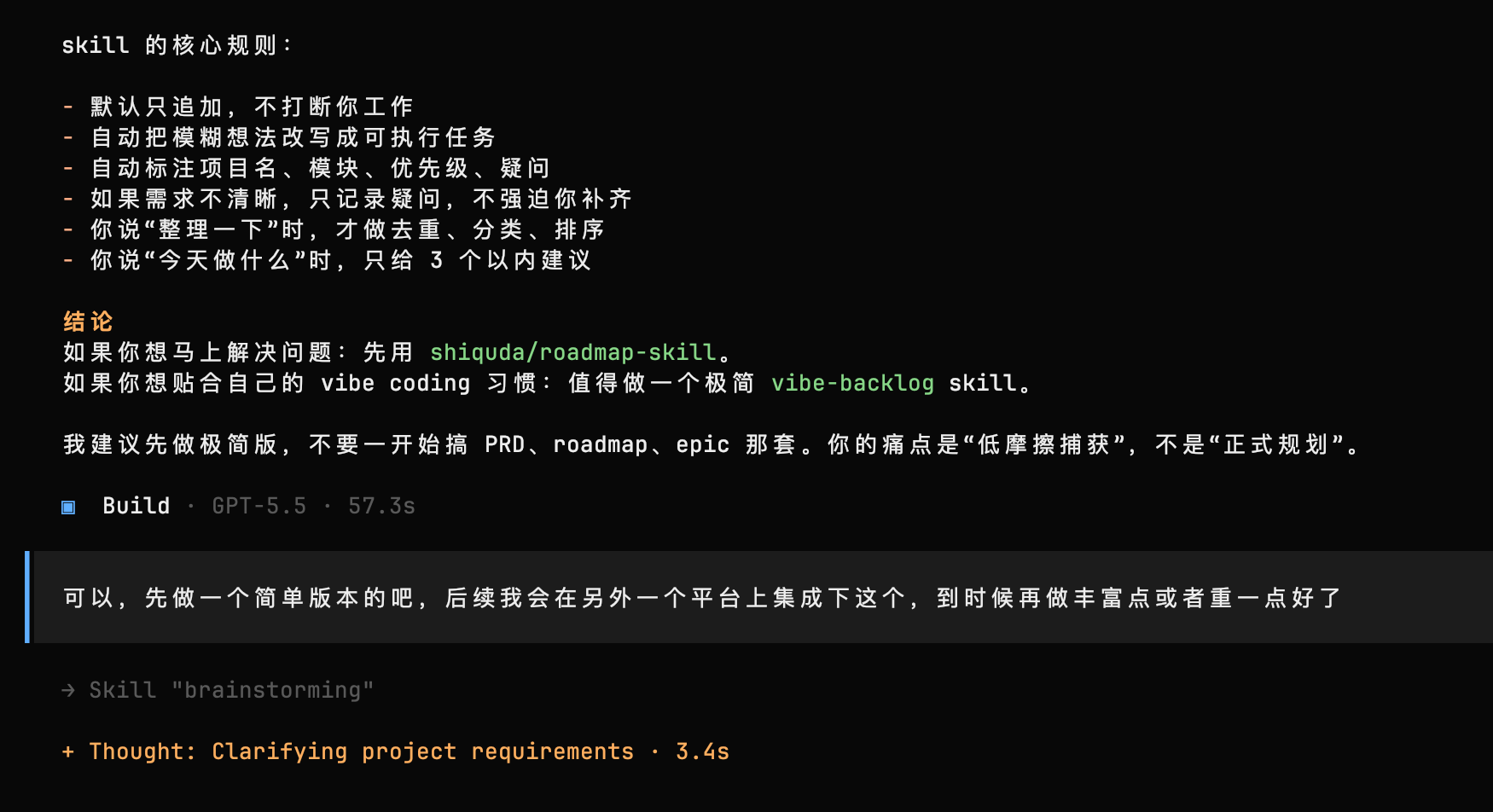
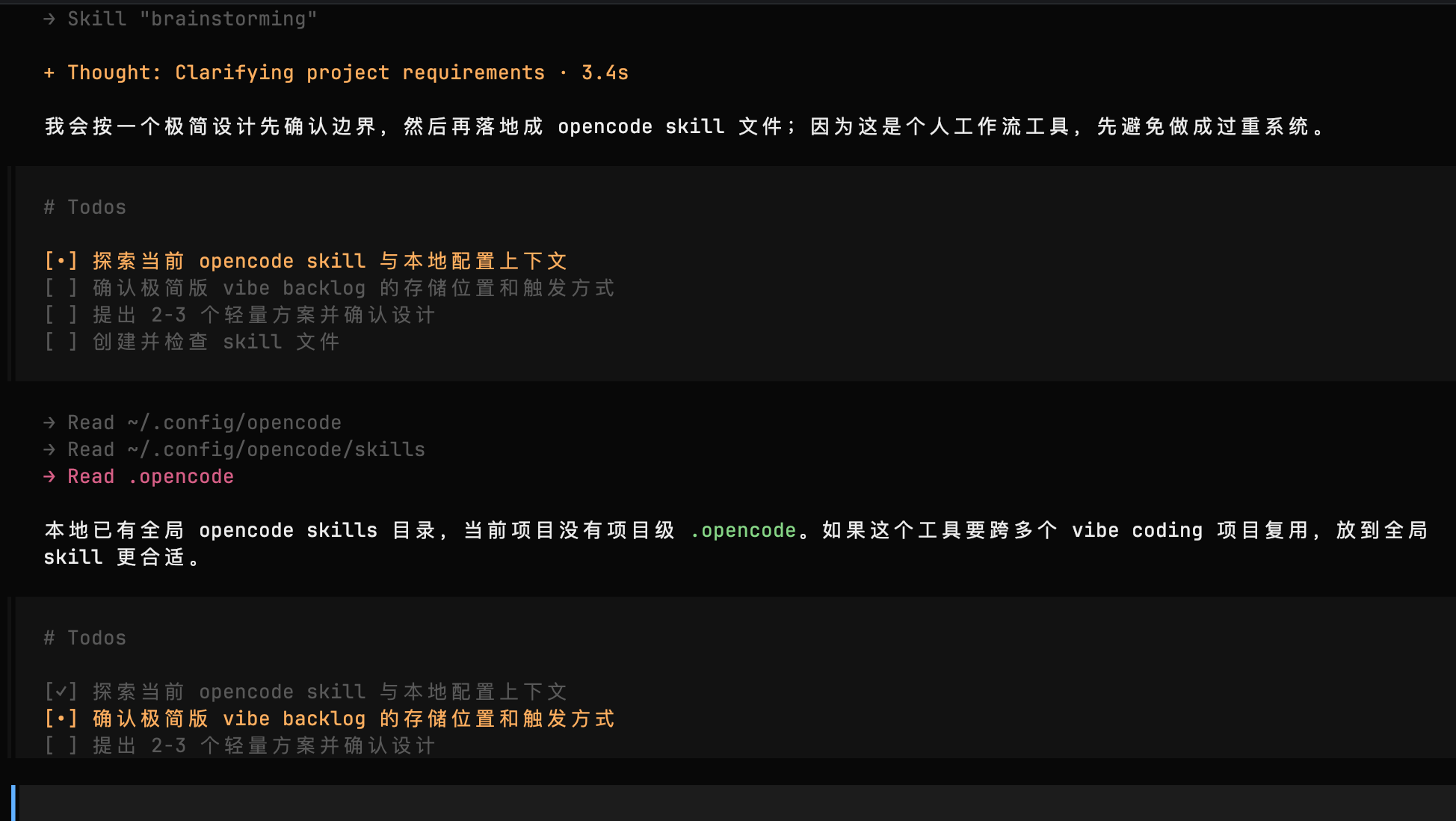
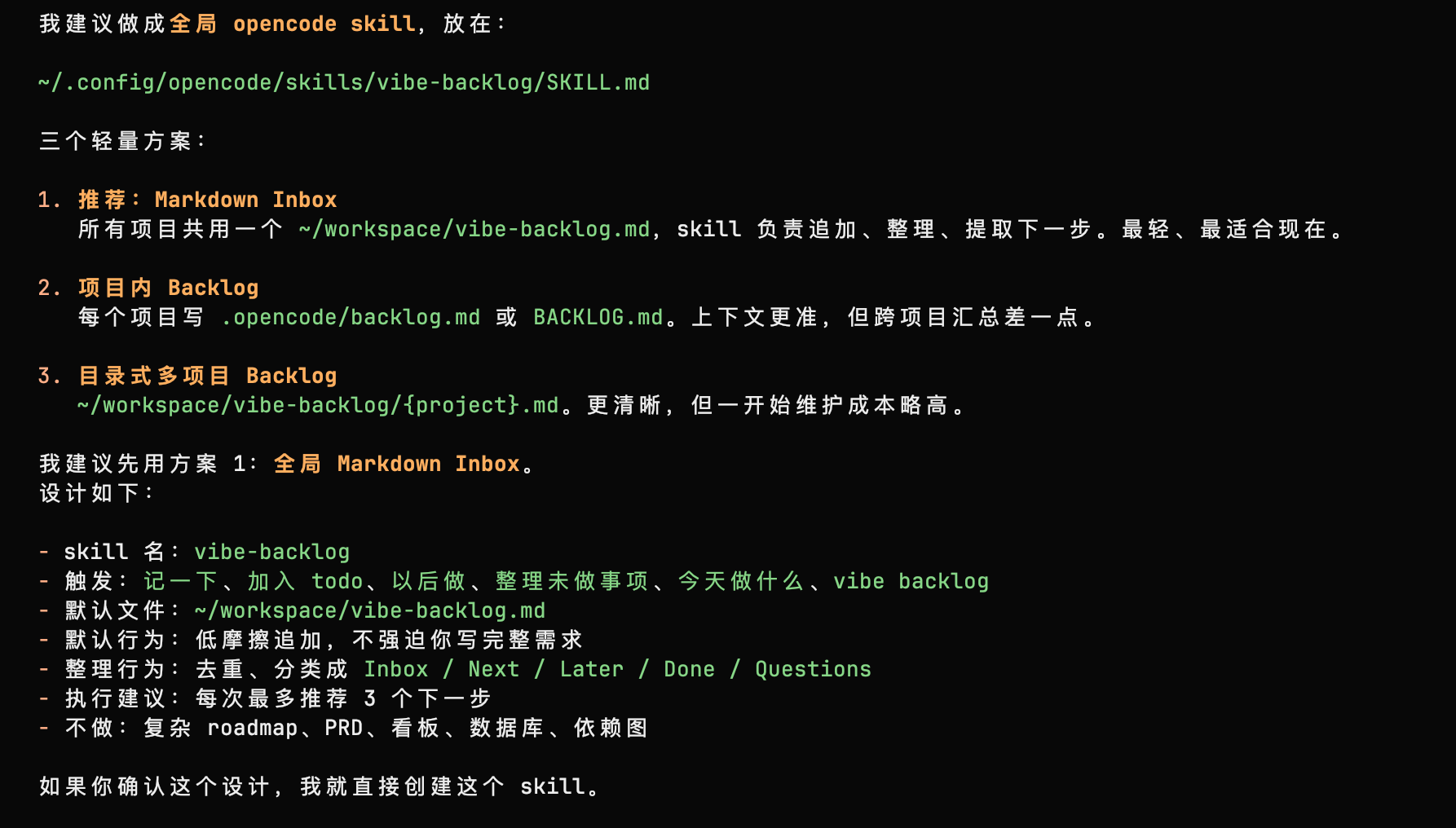
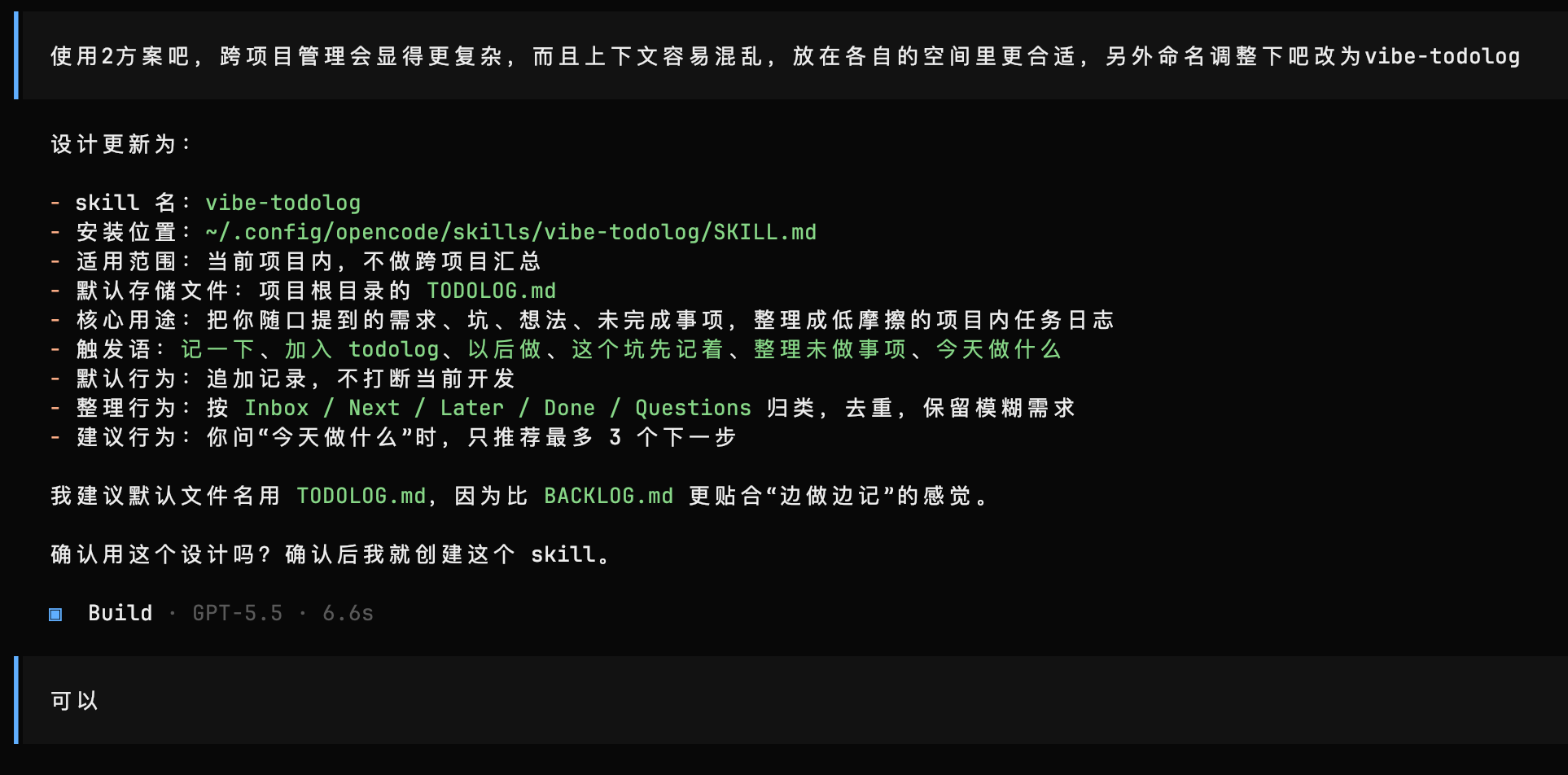
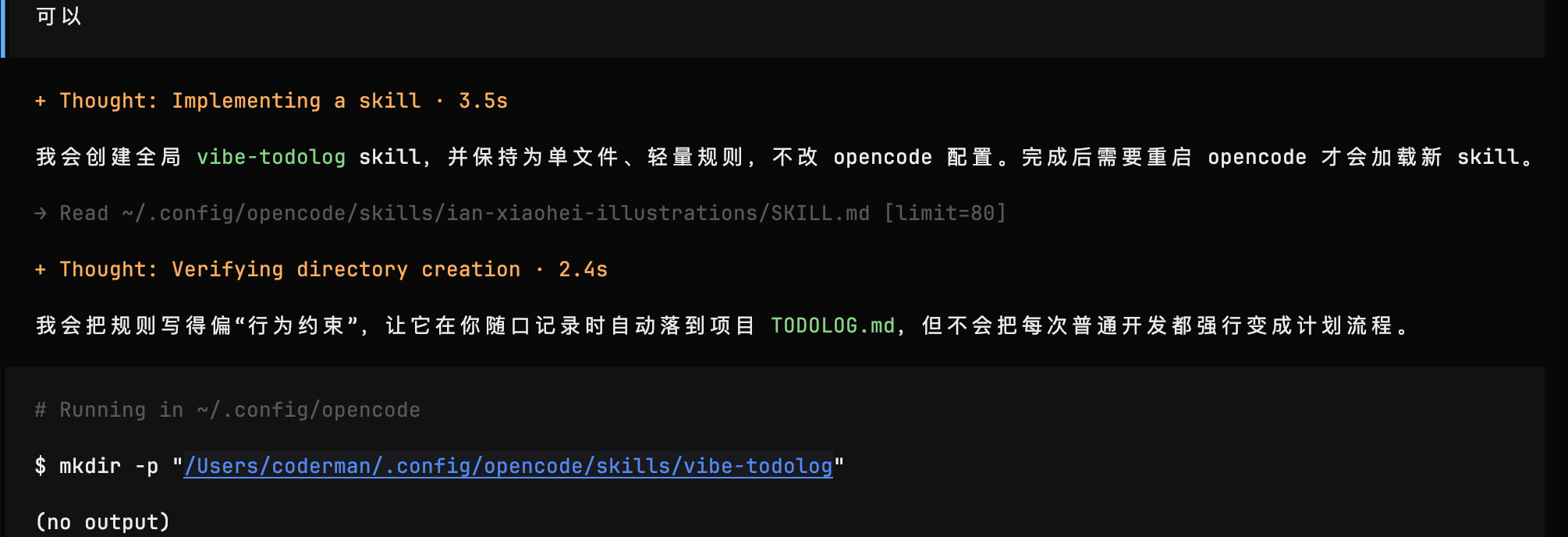
- The creation process
- After creating the Skill, I asked GPT how to use it.
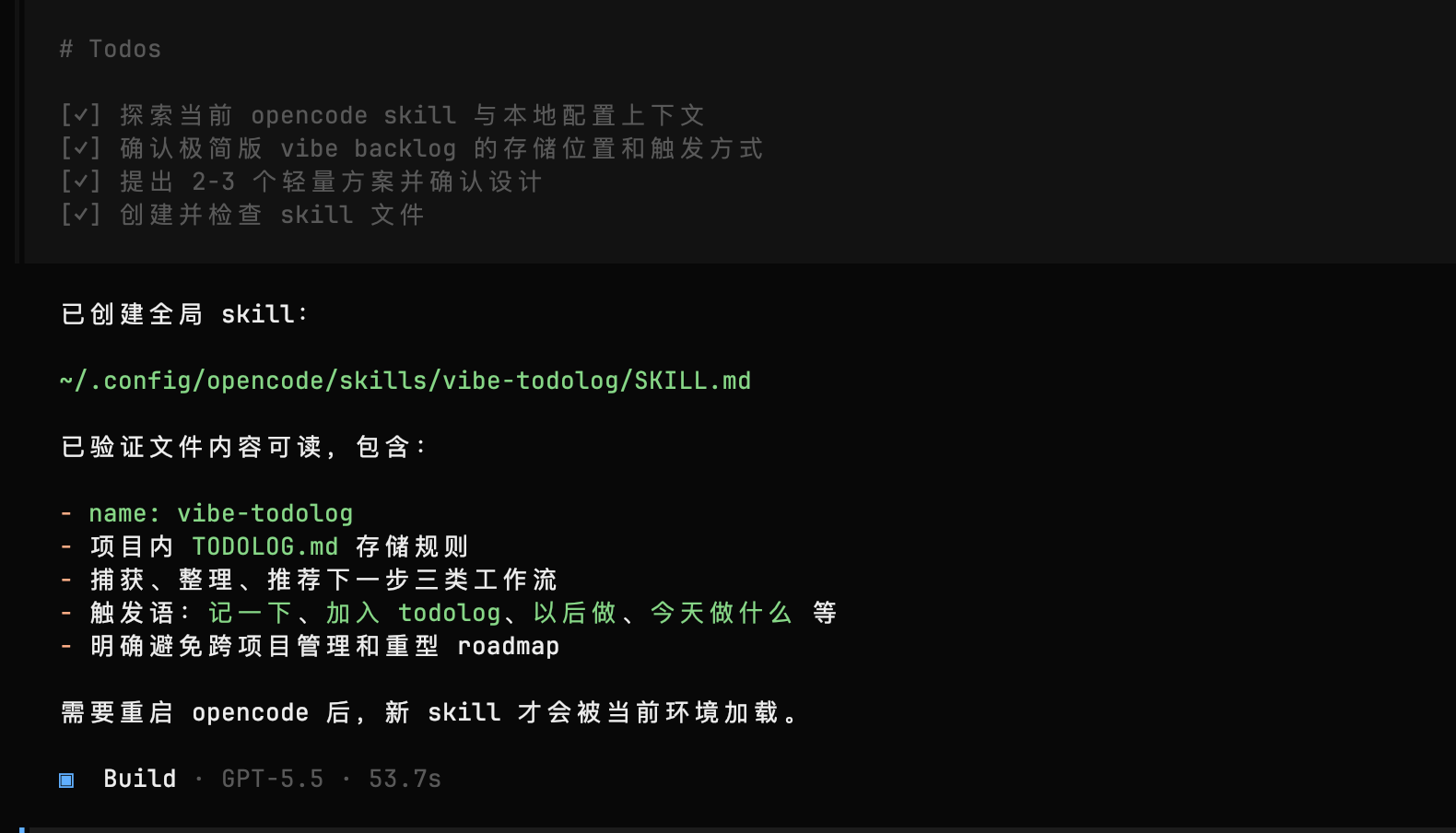
- First usage demonstration
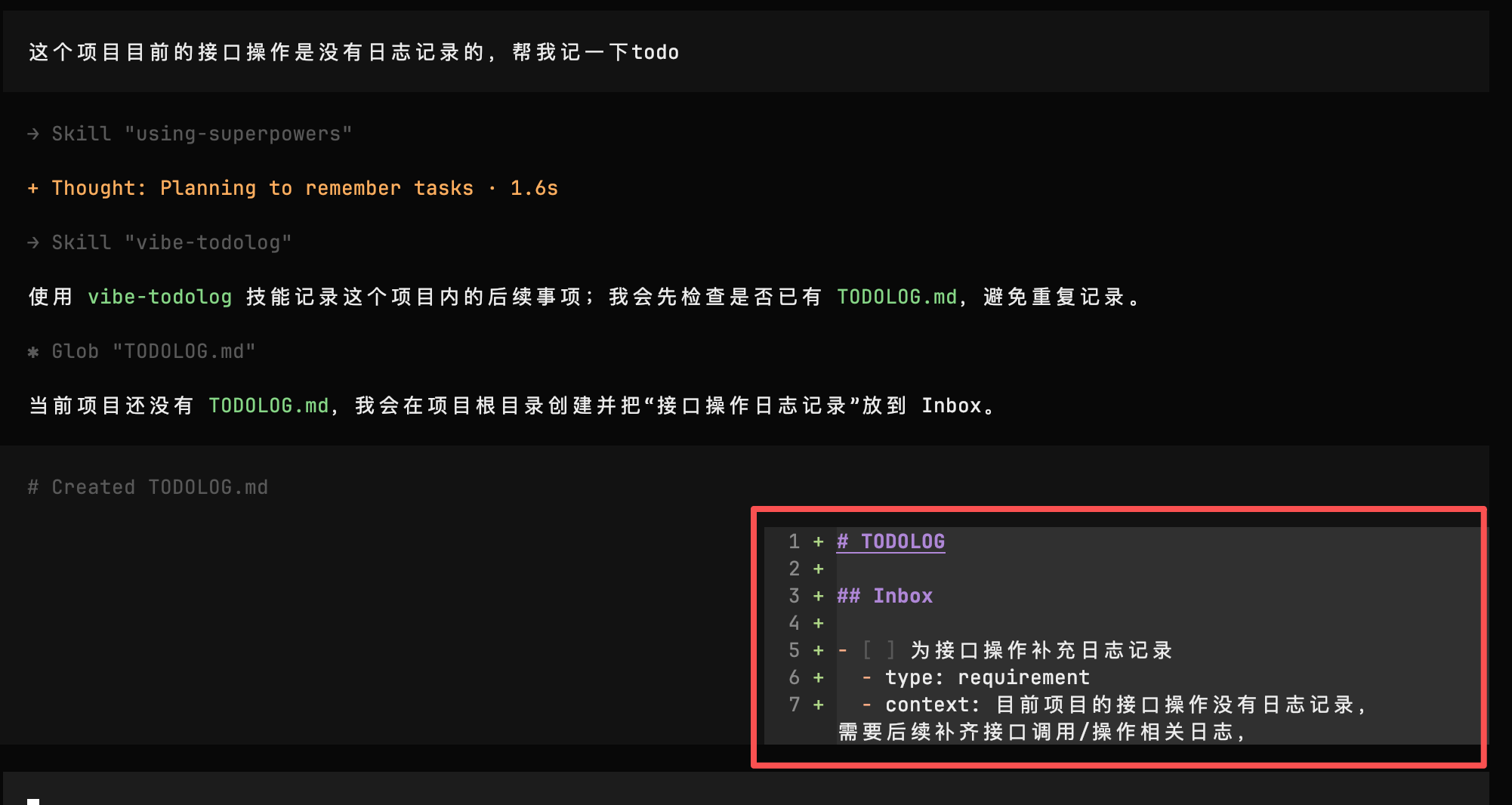
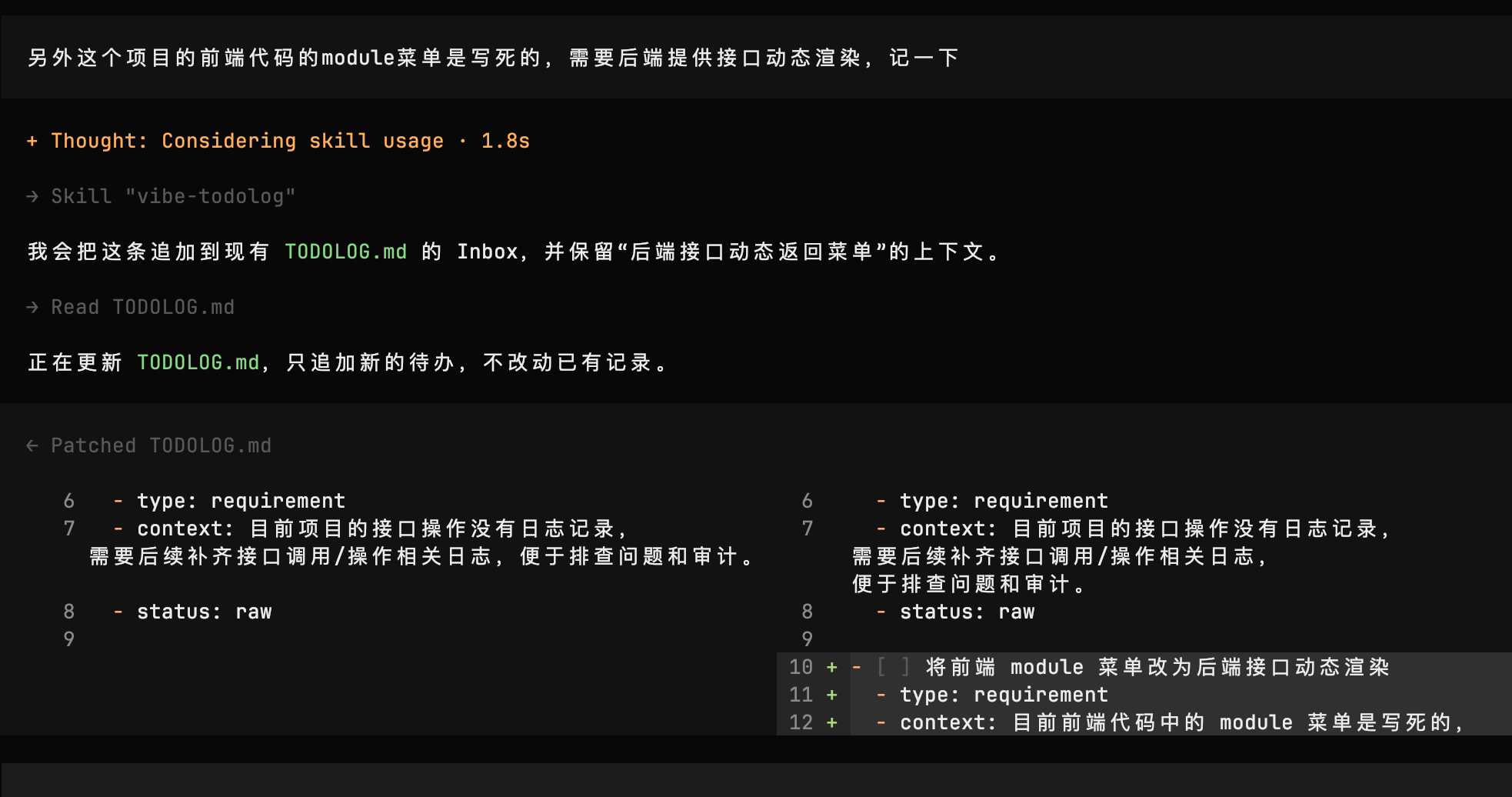
- Second usage demonstration
The generated TODOLOG.md file:
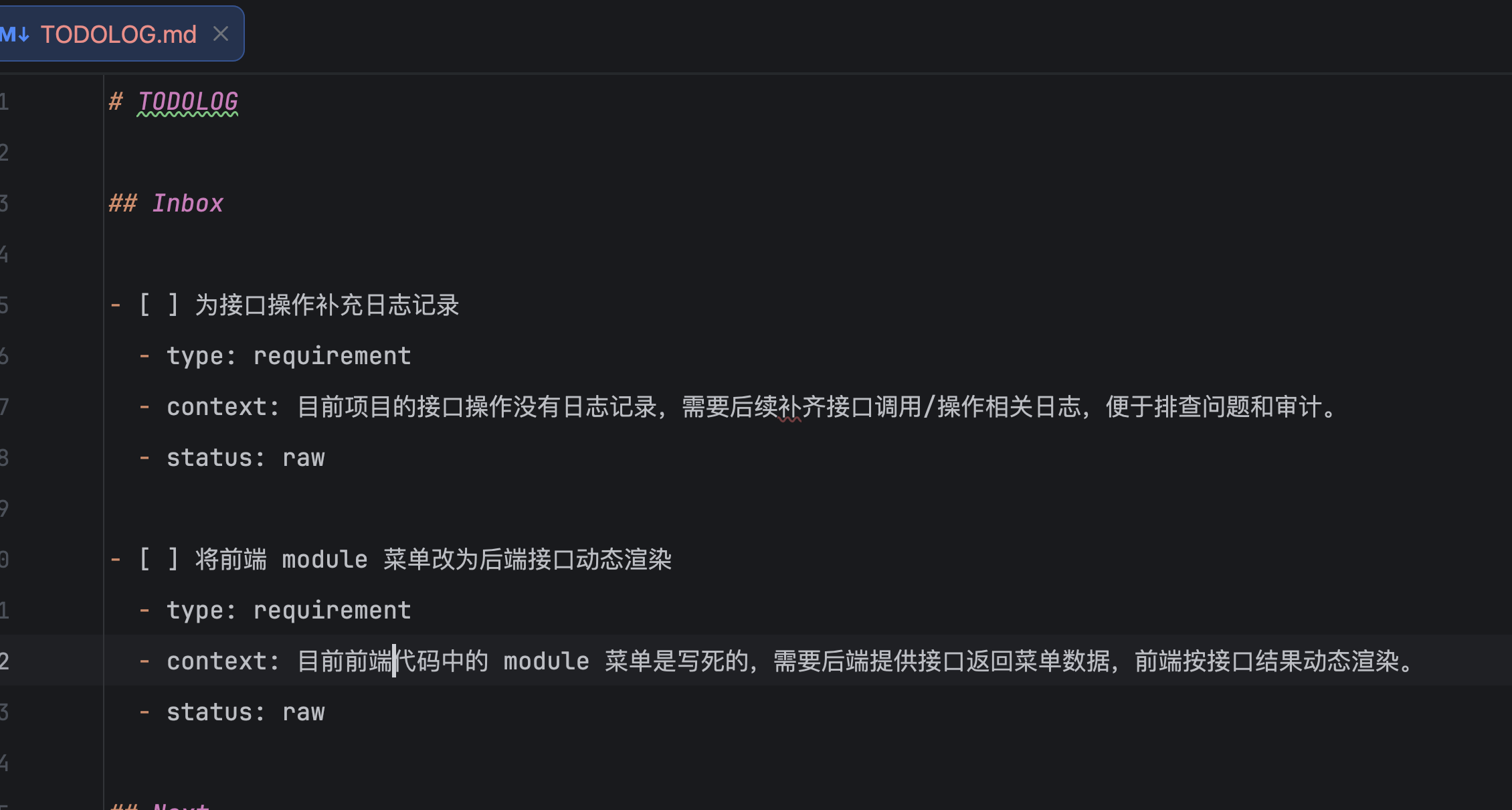
This is the TODO log created inside the current project. The Skill follows an append-only model, which makes the file function somewhat like long-term memory for an agent.
There is plenty of room to expand it. The TODO log could eventually become a more capable AI Agent backed by scripts, with TODO information uploaded to a requirements and development platform for centralized management. For now, it is intentionally lightweight.
If you would like the Skill file, feel free to contact me. You can also follow the process above and create your own. Once generated, it installs automatically, so no manual edits are required before using the tool.